
The installation relies on a Windows feature allowing hardware developers to bundle support apps that trigger automatically based on device metadata. While Microsoft acknowledges this process occurs without user notification, the implementation on LG hardware has sparked backlash due to the intrusive nature of the advertisements. The bundled installer, which lacks significant functional utility, directs users toward additional LG software and McAfee antivirus services.
LG Monitors Force-Install McAfee Ads via Windows Update
Users connecting new LG UltraGear monitors to Windows 11 are encountering aggressive, unauthorized pop-up advertisements for McAfee antivirus. A recent investigation by Gamers Nexus confirmed the utility installs silently through Windows Update, appearing on 31 out of 32 system bootups to push unwanted software and LG-branded applications.
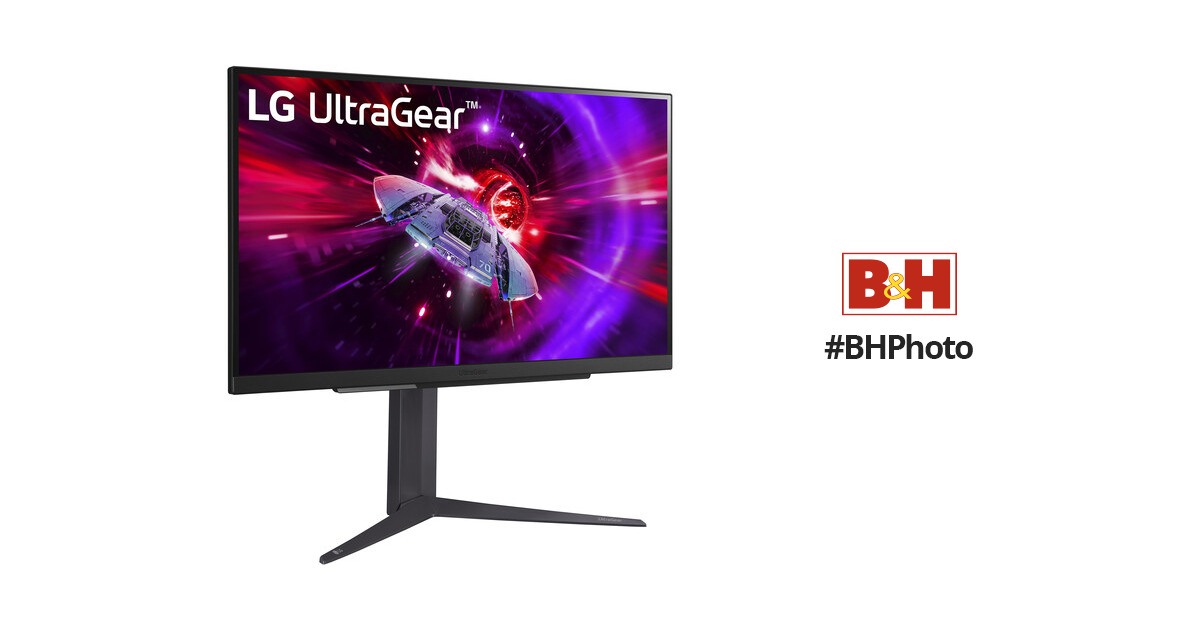
Technical analysis reveals the installer requests broad system permissions, including full access to internet connections and system resources. Furthermore, LG’s privacy policy linked to the app indicates the collection of device data, internet activity, and geolocation details. While users on Windows Pro can mitigate this via group policy settings, those running the Home edition must navigate advanced system menus to disable the automatic download of manufacturer-specific software. Similar practices have been documented with other hardware manufacturers, though the frequency of these specific pop-ups remains a unique point of contention for LG monitor owners.


Comments (0)
No comments yet. Be the first!