Google brings Gemini voice assistant to Android Auto
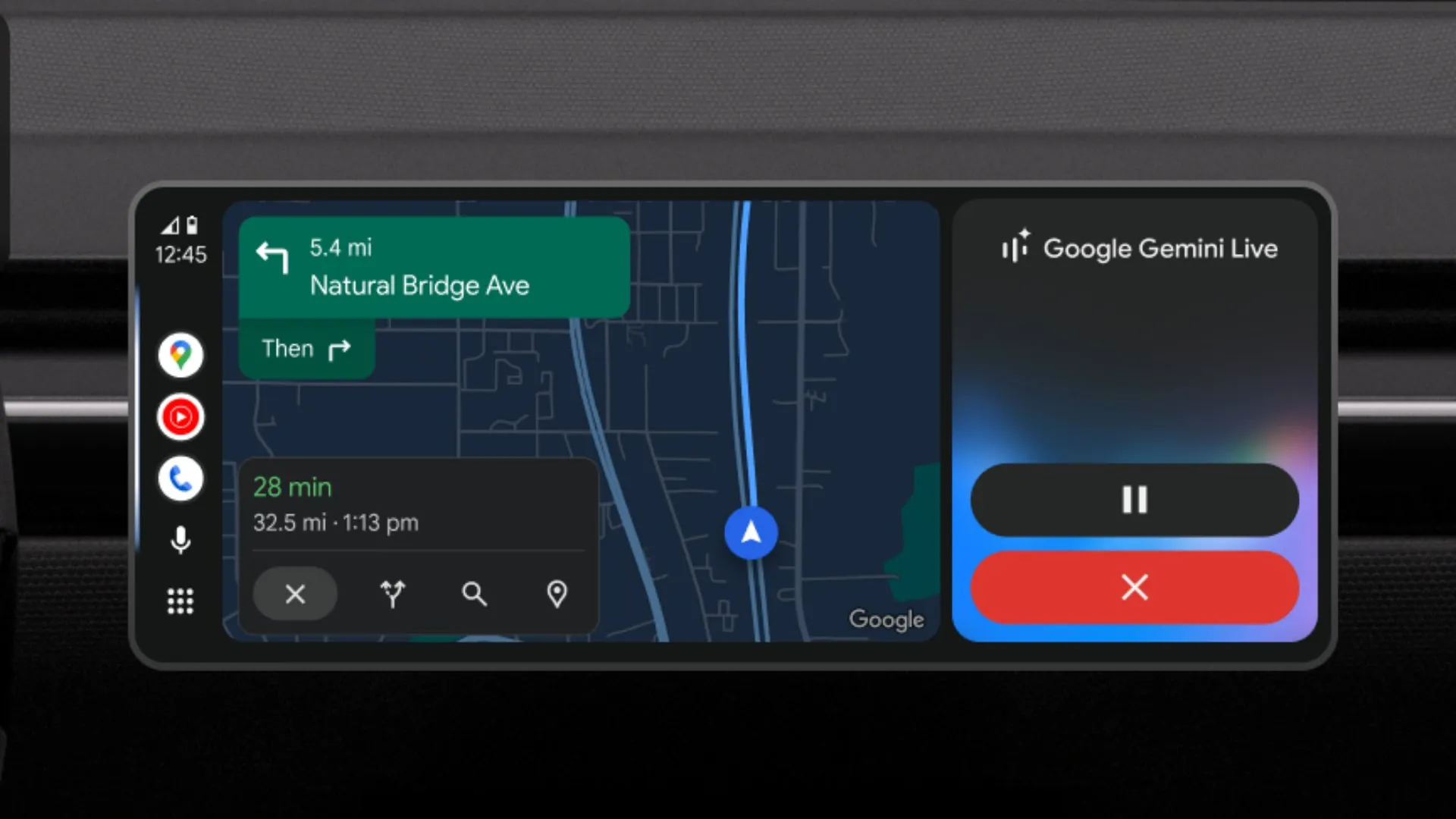
Android Auto users can now access Google’s Gemini assistant from their car displays, using voice commands to ask for directions, send messages and handle other tasks. Google describes it as a more conversational alternative to Assistant, though research on whether in-car voice tools reduce distraction remains limited.
Drivers need the Gemini app on their Android phone to use the assistant while projecting Android Auto. They can start it by saying “Hey Google,” tapping the microphone button on the car screen or holding the voice-control button on the steering wheel. Gemini is not available on Apple CarPlay; Google spokesperson Sofia Giovannello said the company had no update to share about a possible release there.
Google says drivers can ask Gemini to find restaurants by cuisine, message friends with an estimated arrival time and an emoji, check calendar events, build a to-do list or find addresses in their email. The assistant can also carry on a conversation, help users brainstorm or rehearse for important moments, said Guemmy Kim, senior director of product and user experience for Android for Cars.
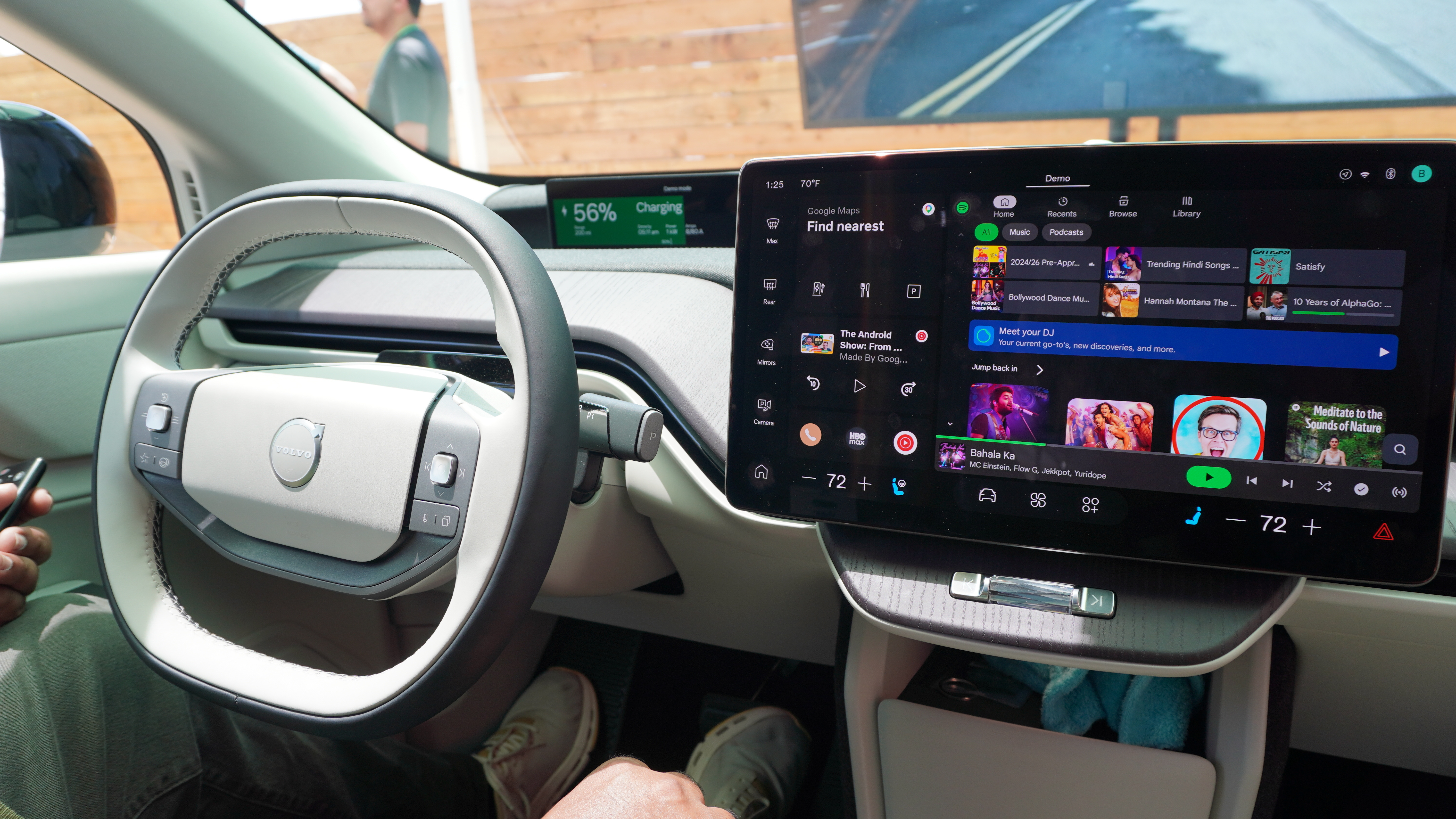
The launch extends Google’s rollout of Gemini across products including Chrome, Google Maps, Nest and Google Home. Vehicles with Google’s built-in Android operating system are expected to get the assistant later. Polestar has said a future software update will bring Gemini to its electric sports cars.
Whether a more capable voice assistant helps drivers concentrate is an open question. Early research associates speech-based in-car assistants with a “rather moderate than high level” of cognitive distraction, but that does not establish that they are safe or that they reduce distraction. More research is needed as technology companies add AI assistants to cars.



Comments (0)
No comments yet. Be the first!