
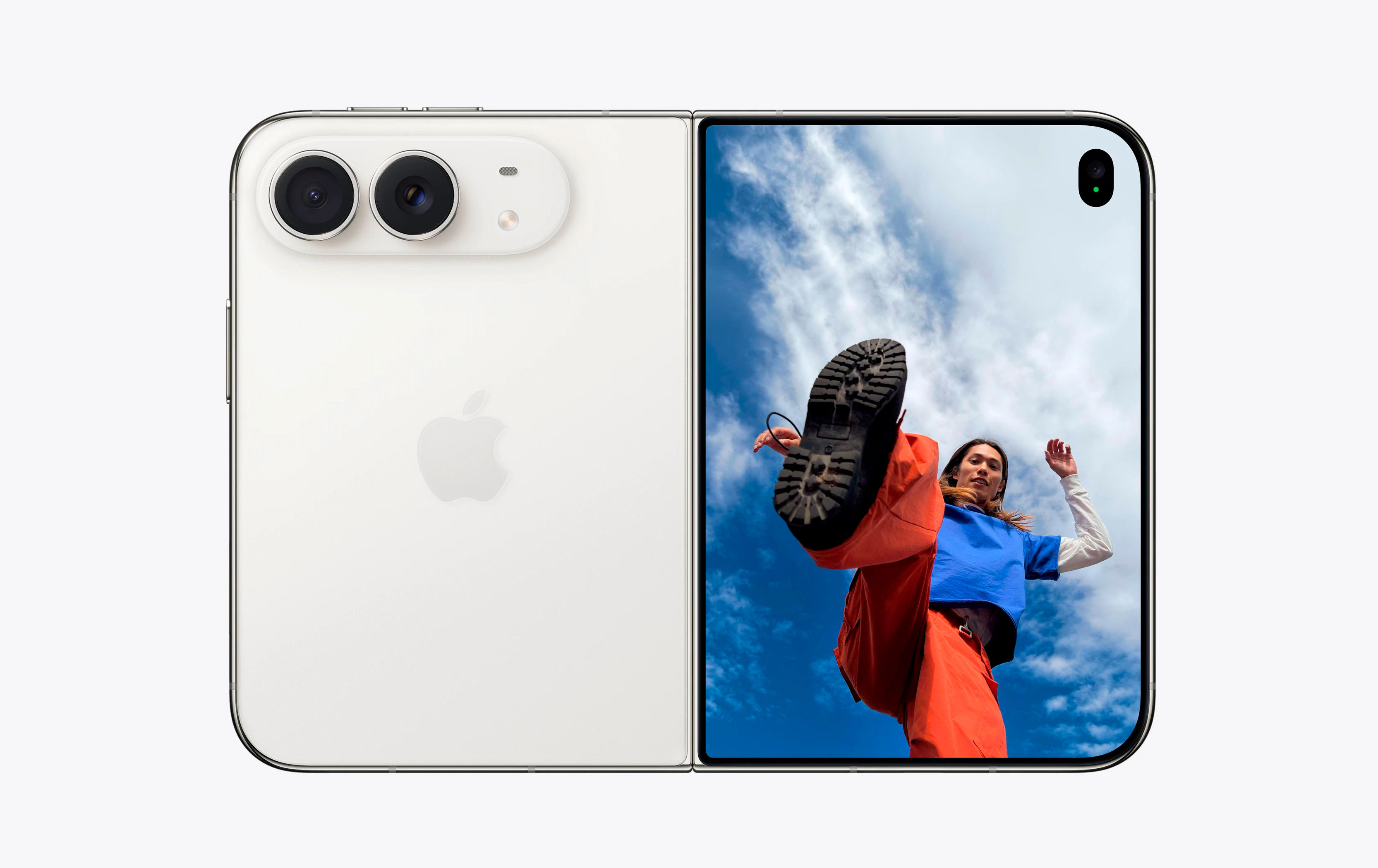
The Duo introduces a unique challenge: the device is designed to be flipped, rotated, and held in ways a standard iPhone never was. Start by customizing your orientation settings. You can lock the cover screen to prevent accidental rotations while leaving the inner screen unlocked. This allows for a stable handheld experience on the go without sacrificing the flexibility required for the large, folding display. Even with the outer screen locked, the device intelligently permits video rotation if you prop it into tent mode.
Controlling the hardware also requires a few non-obvious tweaks. If you find yourself holding the phone upside down, navigate to Settings > Sounds & Haptics and toggle off Fixed Position Volume Controls. This ensures the volume buttons remain intuitive regardless of the phone's orientation. Additionally, bypass the crowded top-right swipe zone by simply tapping the unified Wi-Fi and battery icon to instantly reveal the Control Center.



Comments (0)
No comments yet. Be the first!