
The new “AI Assisted Editor” view gathers core features like the background remover, image extender, and prompt-based editing into one accessible control hub. Beyond simple consolidation, Adobe is introducing a markup tool that functions as a visual bridge between the user and the software. Instead of relying solely on written prompts, designers can now sketch directly onto an image, drawing arrows to indicate placement or brushing in rough shapes to suggest new composition elements.
Adobe Reorganizes Photoshop Around AI-Powered Workflows
Adobe is overhauling the Photoshop interface to prioritize generative artificial intelligence, introducing a dedicated beta workspace that consolidates its disparate AI tools into a single toolbar. This shift aims to move beyond simple text-based commands, allowing users to manipulate images through direct visual input and contextual understanding.
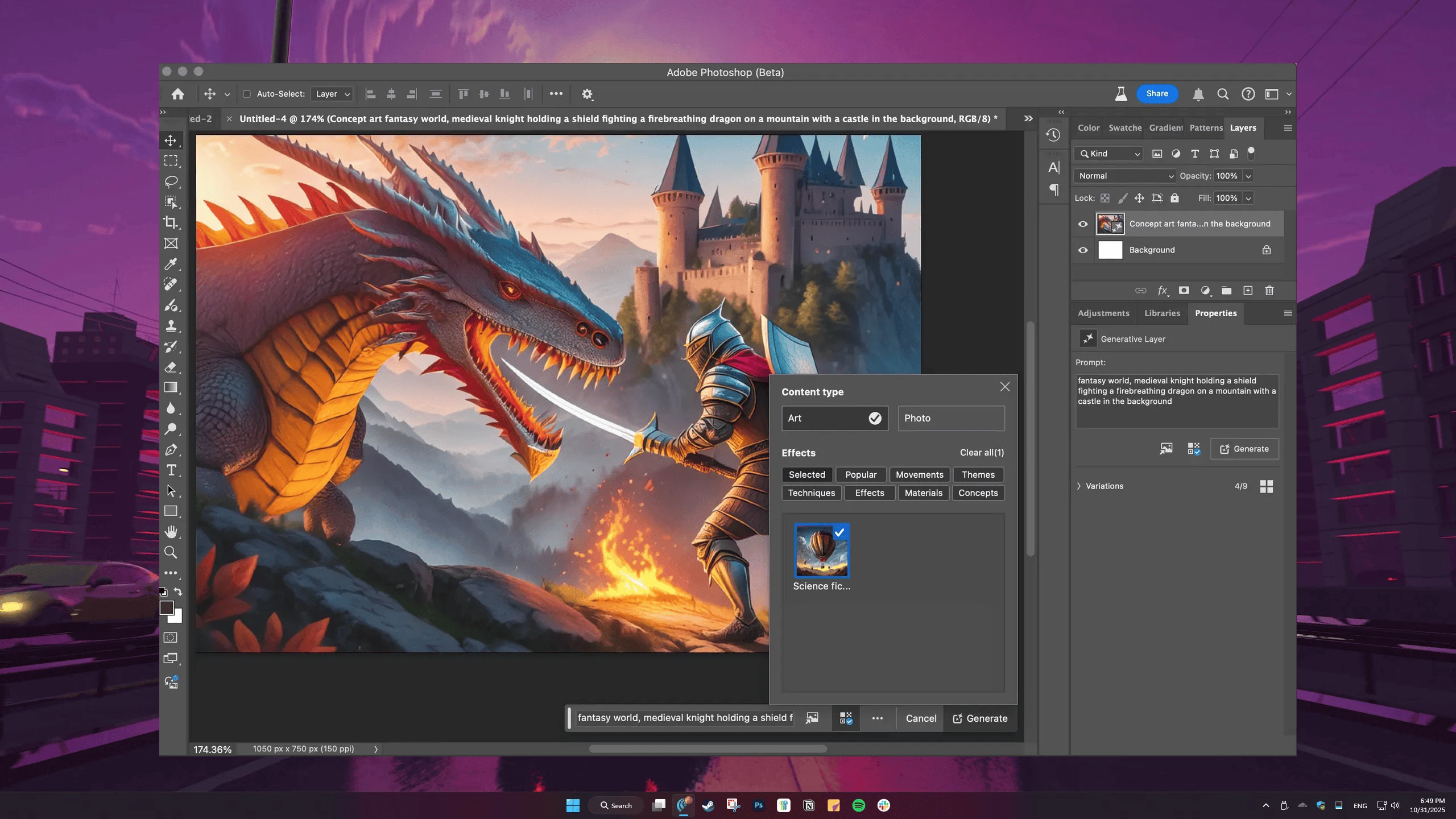
This update also improves the “Instruct Edit with Masks” feature, powered by the upgraded Firefly Image 5 model. The model now processes the entire context of an image, removing the need for users to manually mask specific sections before applying changes. Adobe suggests this allows for complex modifications, such as opening closed eyes or adding accessories to a subject, simply by describing the desired outcome in natural language.



Comments (0)
No comments yet. Be the first!